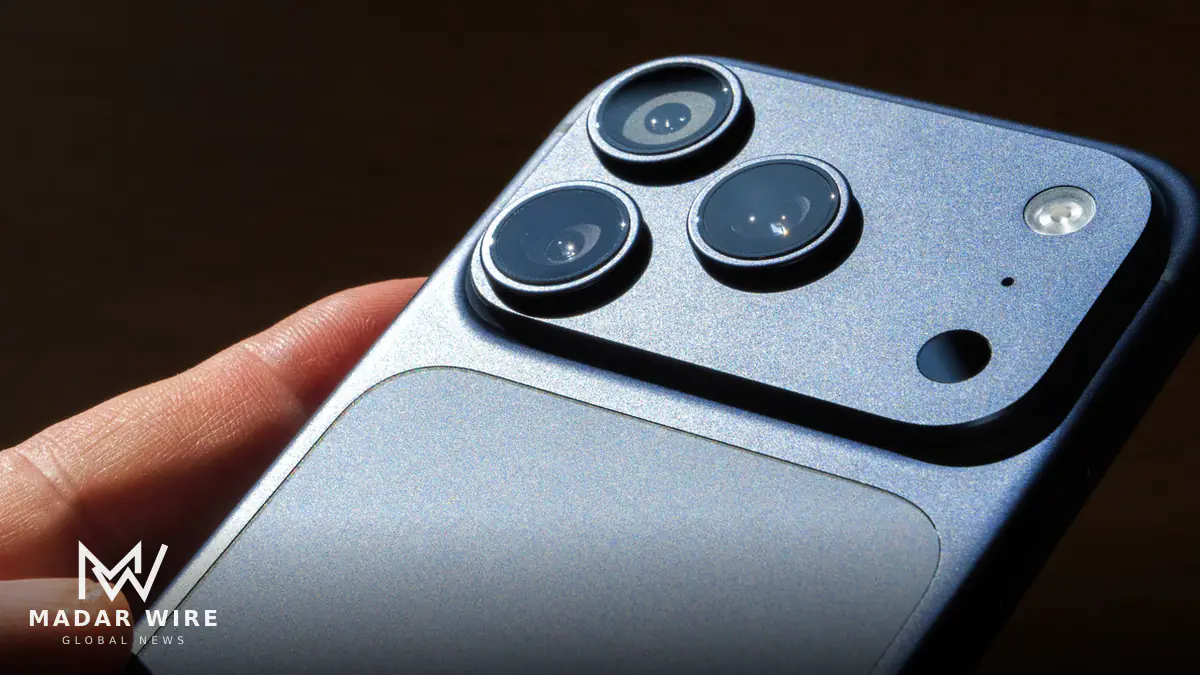
Engadget reports that the iPhone’s native camera app hides a suite of functions that let users go beyond simple snapshots.
Hidden shortcuts in the native app
Swiping left or right on the viewfinder instantly switches between ultra‑wide, wide and telephoto lenses, a gesture many overlook. A quick double‑tap activates the night‑mode timer, while a long‑press on the shutter button brings up a burst‑capture menu without leaving the screen.
Document scanning is built in: placing a paper in view and tapping the shutter automatically crops, straightens and runs OCR, turning the image into editable text. The same interface also supports QR‑code reading and quick‑share of the scanned file.
Everyday scenarios where the tricks shine
Video creators can now enable night‑mode for low‑light clips by holding the night‑mode icon, a feature previously limited to stills. ProRAW support lets power users capture 12‑bit files straight from the camera, bypassing third‑party apps.
Timers, exposure lock and focus lock are all reachable from a single press‑and‑hold gesture, making group shots and low‑light portraits faster to set up. Engadget notes that these shortcuts are documented in iOS’s Settings → Camera → Preserve Settings, where users can lock exposure, focus and even the chosen lens for future sessions.