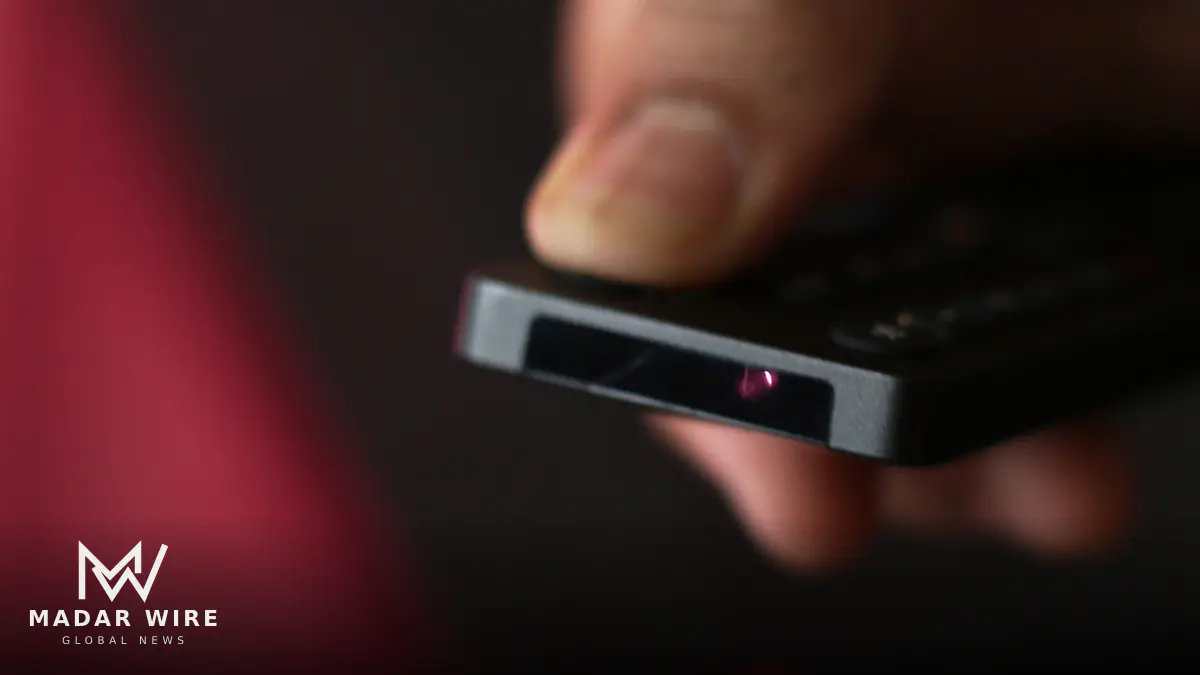
We have all experienced the frustration of a non-responsive remote control during a movie night. Before you discard the batteries or assume the hardware is broken, there is a simple diagnostic tool already in your pocket. As reported by Engadget, your smartphone camera can act as a makeshift infrared sensor to determine if your remote is actually sending a signal.
The Science Behind the Lens
Most remote controls operate using infrared (IR) light to communicate with televisions and other home electronics. Because this light spectrum falls outside the range of human vision, we cannot see the signal being emitted when we press a button. However, the CMOS sensors found in most smartphone cameras are sensitive to infrared light, allowing them to capture the signal that remains invisible to our eyes.
To perform this check, simply open your smartphone's camera app and point the top of your remote control directly at the lens. While looking at your phone's screen, press any button on the remote. If the batteries are functioning correctly, you will see a faint purple or white flickering light appear on the display. If the screen remains dark, it is a clear indicator that your batteries are dead or the remote's internal transmitter has failed.
Troubleshooting Your Hardware
This diagnostic method is particularly useful for distinguishing between a faulty remote and a more complex issue with your television's IR receiver. If you see the light on your phone screen but the TV does not respond, the problem likely lies with the television itself or an obstruction blocking the signal path. If no light appears, you can confidently swap out the batteries without guessing.
While this trick works for the vast majority of standard IR remotes, it is important to note that it will not work for modern Bluetooth-based remotes, such as those used for Apple TV or newer smart TVs. Since Bluetooth remotes do not rely on infrared light, they do not emit a visual signal that a camera sensor can pick up. For those devices, you will need to rely on the pairing menus within the TV's settings interface.